Initiating a Workflow Anonymously
Scenario
Use this example when a process should be started by users who are not signed in to Emakin, such as visitors using an embedded request form on a public website.
What You Will Learn
- enable anonymous initiation for a pool
- separate the public start task from authenticated internal work
- build and embed an initiation URL with the required access configuration
Difficulty and Estimated Time
- Difficulty: Intermediate
- Estimated time: 20 minutes
Assumed Knowledge
You should be familiar with process initiation, forms, roles, API keys, and access scopes.
Required Reading
Prerequisites
- permission to create processes and API keys
- anonymous access allowed for the pool or screen
- a destination application or page where the form will be embedded
Steps
Create the Process
- Create a process such as
Anonymous Task. - Open the pool settings.
- Enable Is Anonymously Accessible? on the start pool.
Create the Tasks and Role
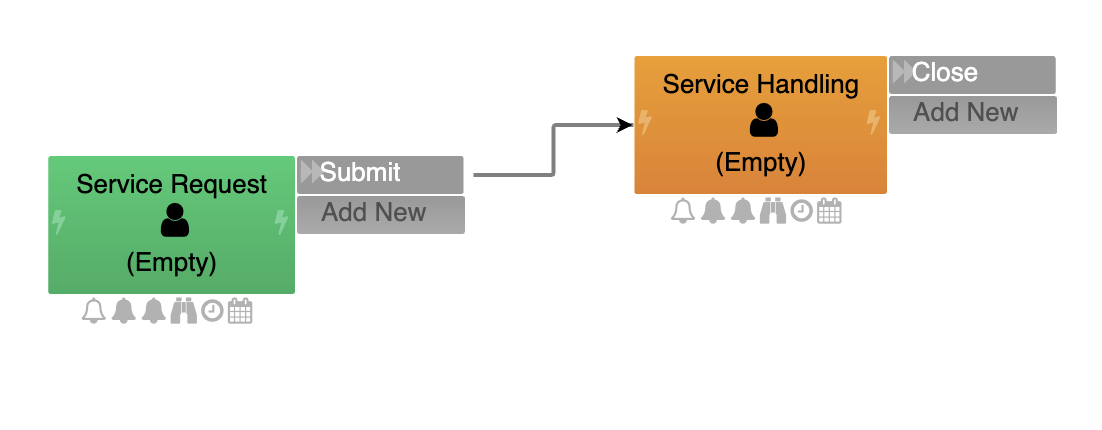
- Create the opening task, for example
Service Request. - Create the handling task, for example
Service Handling. - Create a normal role such as
Service Handlerand assign it to the internal handling task.
Create the Form
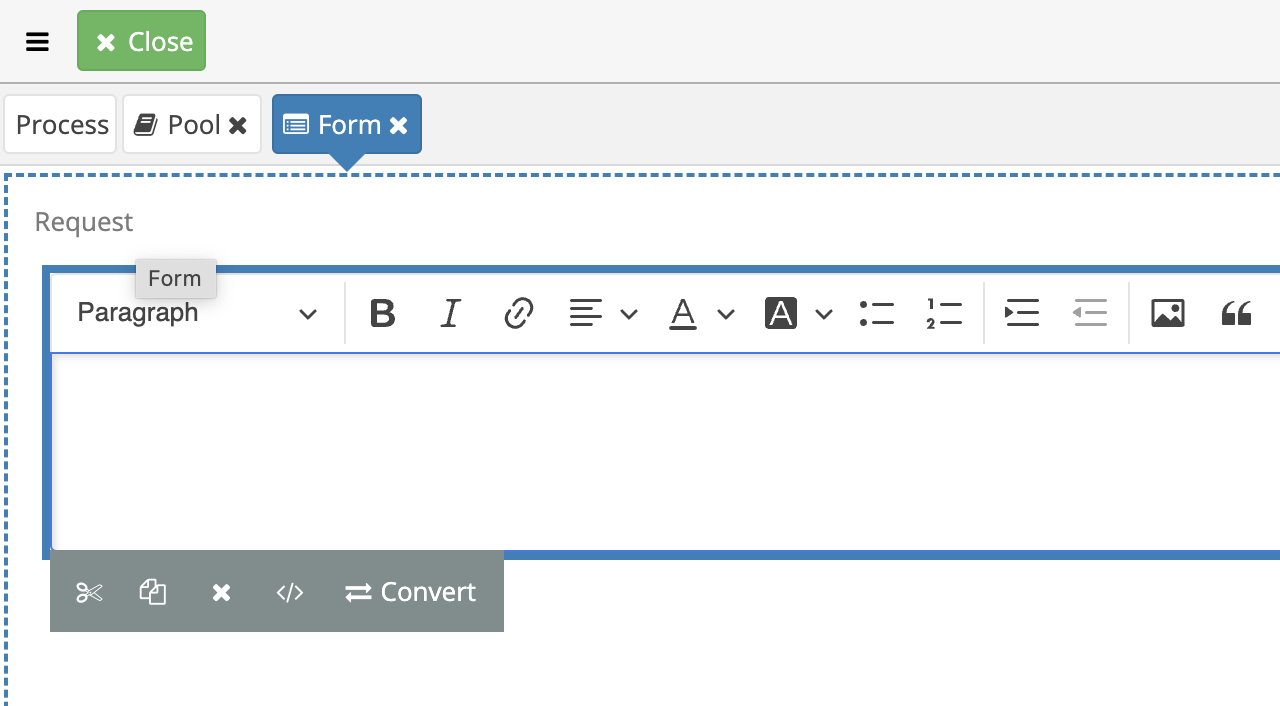
- Build the form that the anonymous user will complete.
- Add the required input controls.
Save and Test in Emakin
- Commit the process changes.
- Start a test instance from the folder to confirm the runtime flow behaves correctly.
Create the API Key
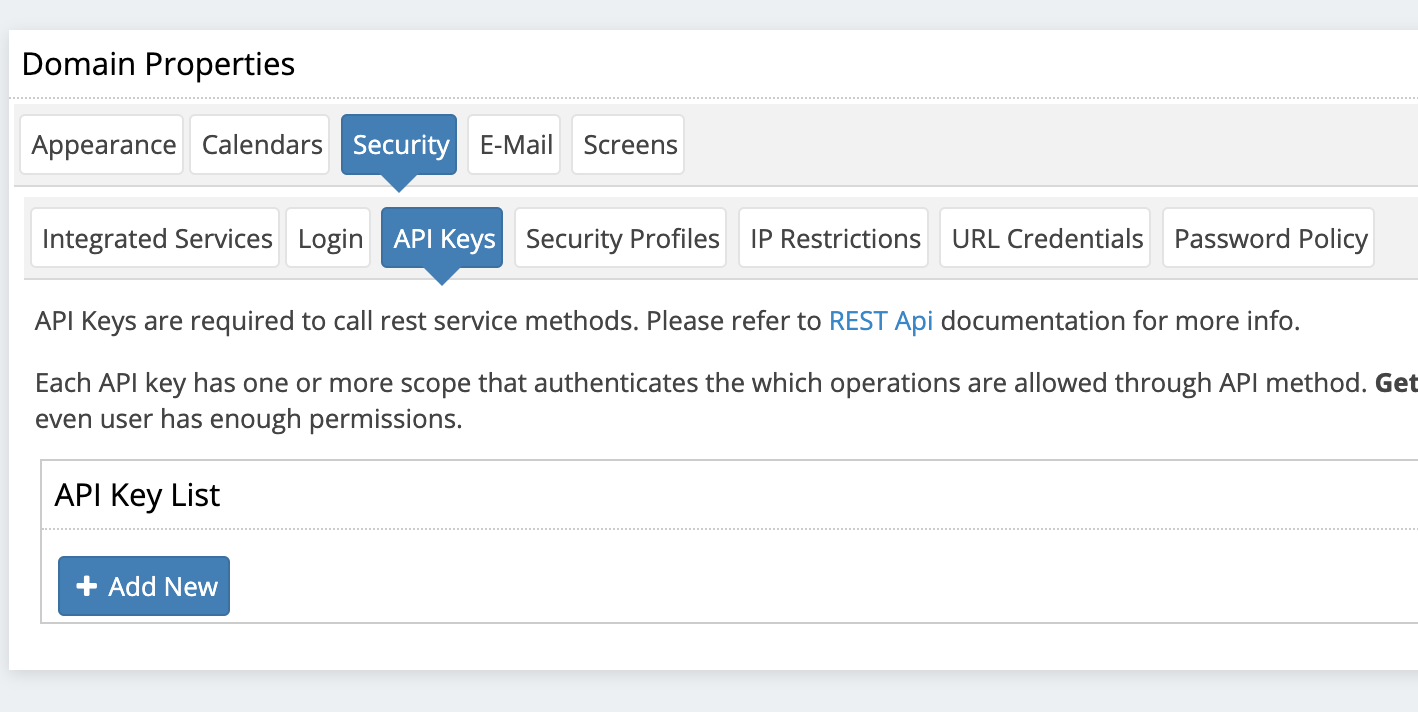
- Open domain security settings.
- Create an API key with the minimum required scopes.
- Keep the key for the embedding URL.
Build the Anonymous Link
- Copy the initiation link for the process.
- Replace
#with?in the URL. - Append the
apiKeyparameter.
Embed the Form
Place the generated URL inside an iframe on the target site or application, for example:
1 2 3 4 | |
Result
The workflow can now be initiated anonymously through an embedded Emakin form, while the internal handling tasks still run under normal authenticated process logic.
Verify the Result
Open the generated link in a private browser session, submit a valid test request, and confirm that one process instance is created. Submit an invalid request and confirm that server-side validation rejects it without creating an instance.
Security and Portability Notes
- An API key is a secret and must never appear in screenshots, downloadable definitions, source control, or client-side markup. Use the platform's supported public-link mechanism.
- Limit the anonymous form to the data required to start the process and validate all values on the server.
- Apply rate limiting, abuse controls, and upload restrictions appropriate to the public endpoint.